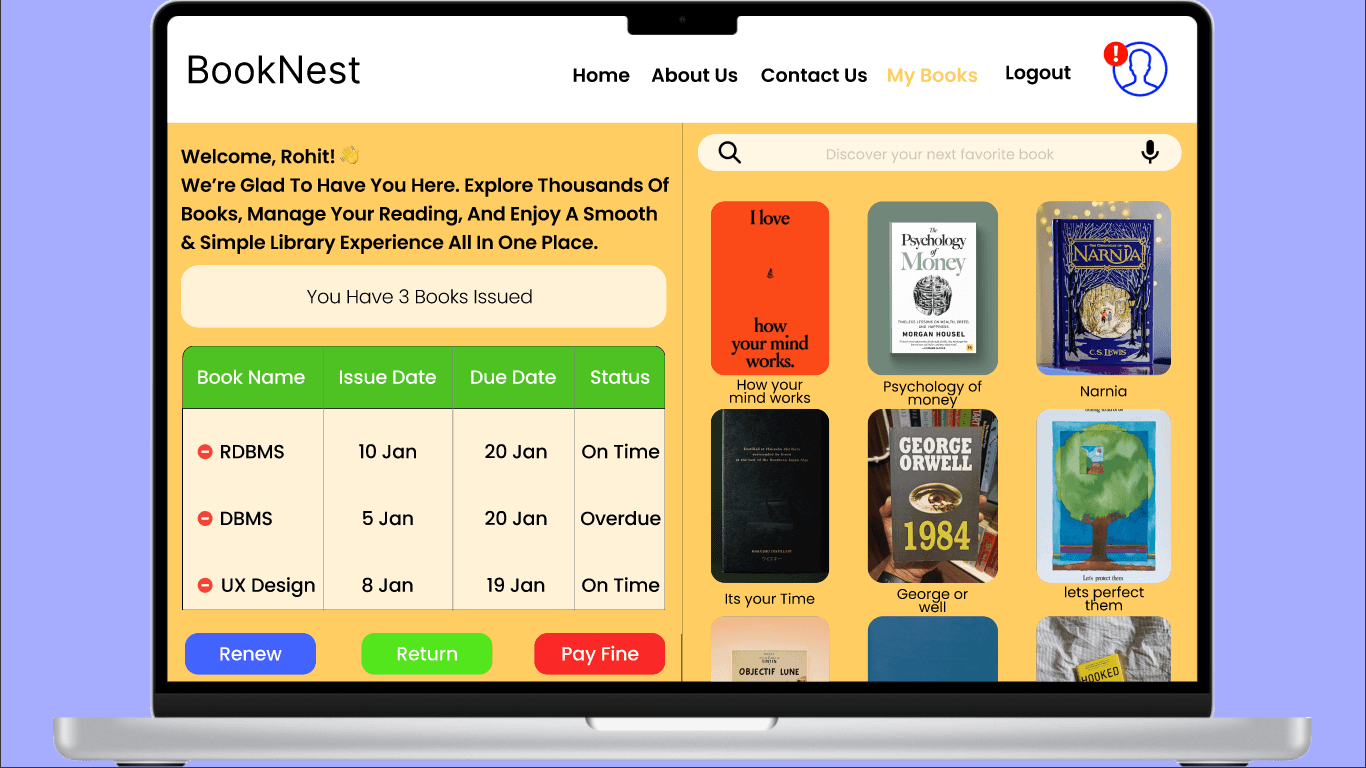
Library Due Date & Fine Tracker

Client
-
Services
Library Management System
Timeline
2 Days
Year
2026
1. Discover – Understanding the Problem
In many college libraries, students are unaware of their book return dates until it is too late. Due dates are often written on paper slips or not easily accessible online, which leads to missed deadlines and unexpected fines. Students also do not have a single place to see all their issued books and fine details.
Key problems :
No clear way to check due dates
No online fine tracking
No reminders or alerts
Students feel confused and frustrated
Goal:
Create a digital system that helps students easily track their borrowed books, due dates, and fines.
2. Ideate – Exploring Concepts
Different ideas were explored to solve this problem:
A dashboard showing all issued books in one place
Color-coded status for on-time and overdue books
Renew and return buttons for quick actions
Notification alerts for upcoming deadlines
The best solution was a “My Books” dashboard that gives students full control over their library activity.
3. Design – Bringing the Concept to Life
The design focuses on clarity and simplicity.
Key Design Features:
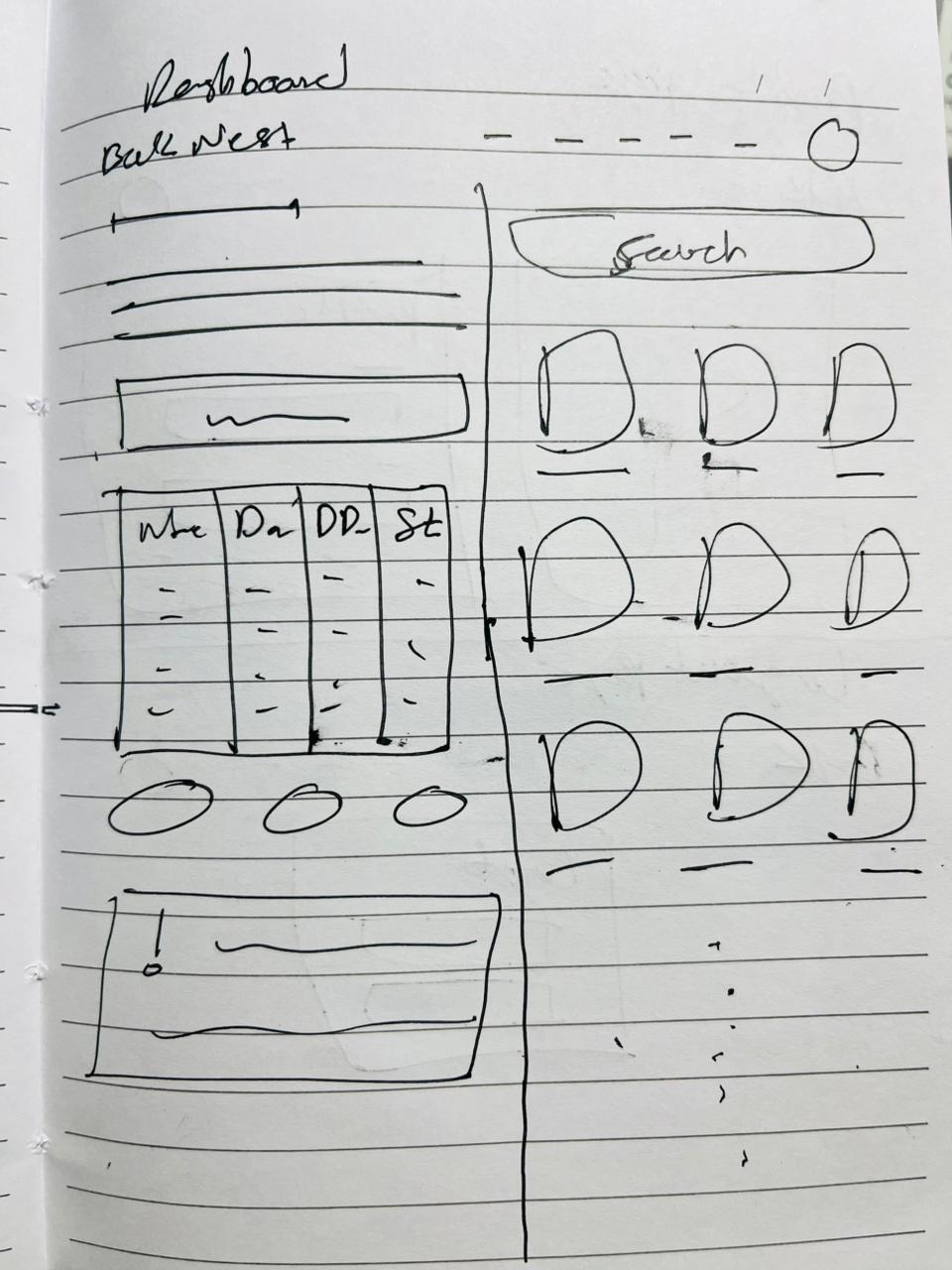
Clean table layout for book list
Simple buttons for Renew, Return, and Pay Fine
Easy navigation with minimal clutter
The UI uses soft colors, readable fonts, and clear spacing to make information easy to scan and understand.
4. Wireframing
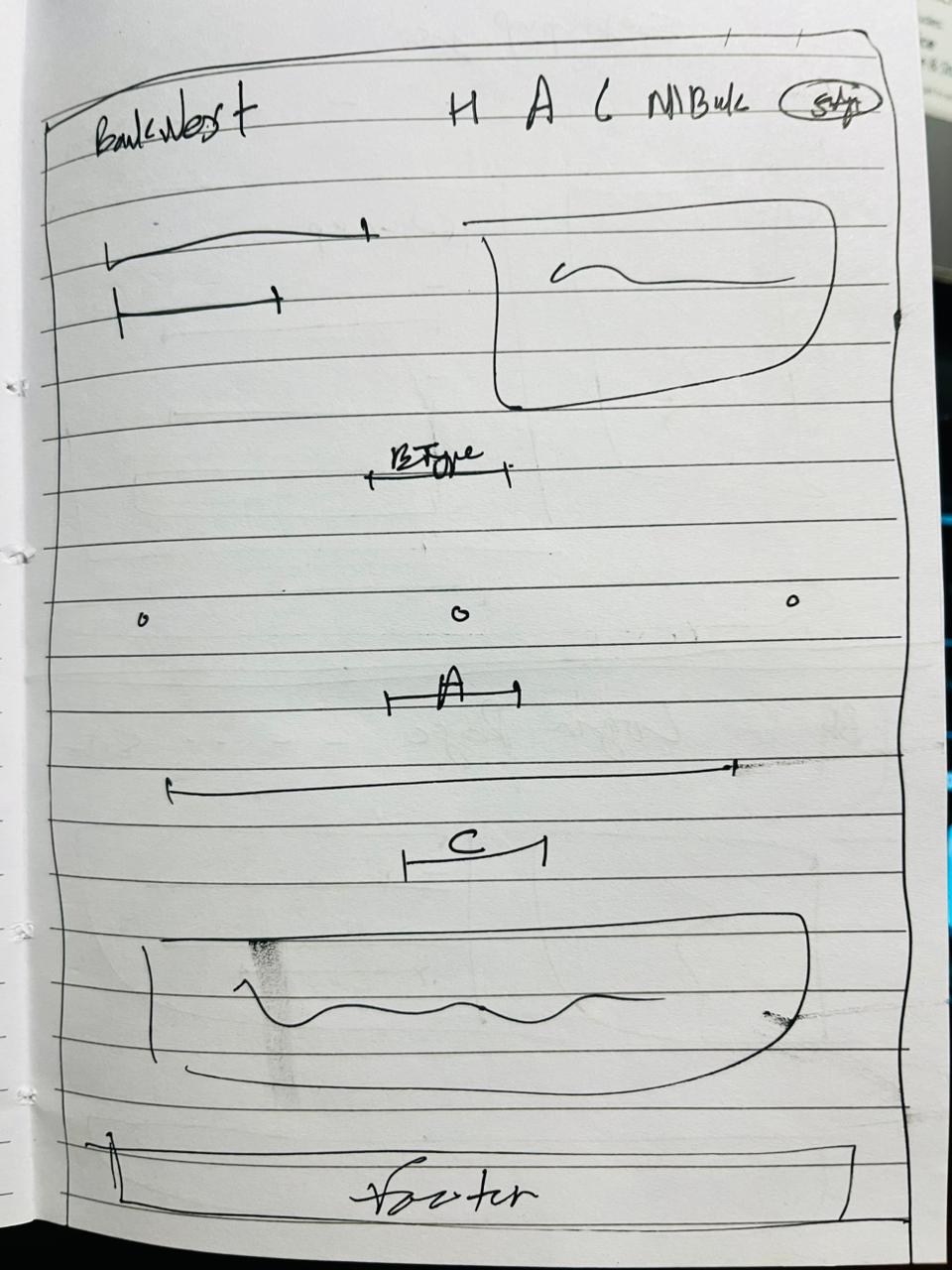
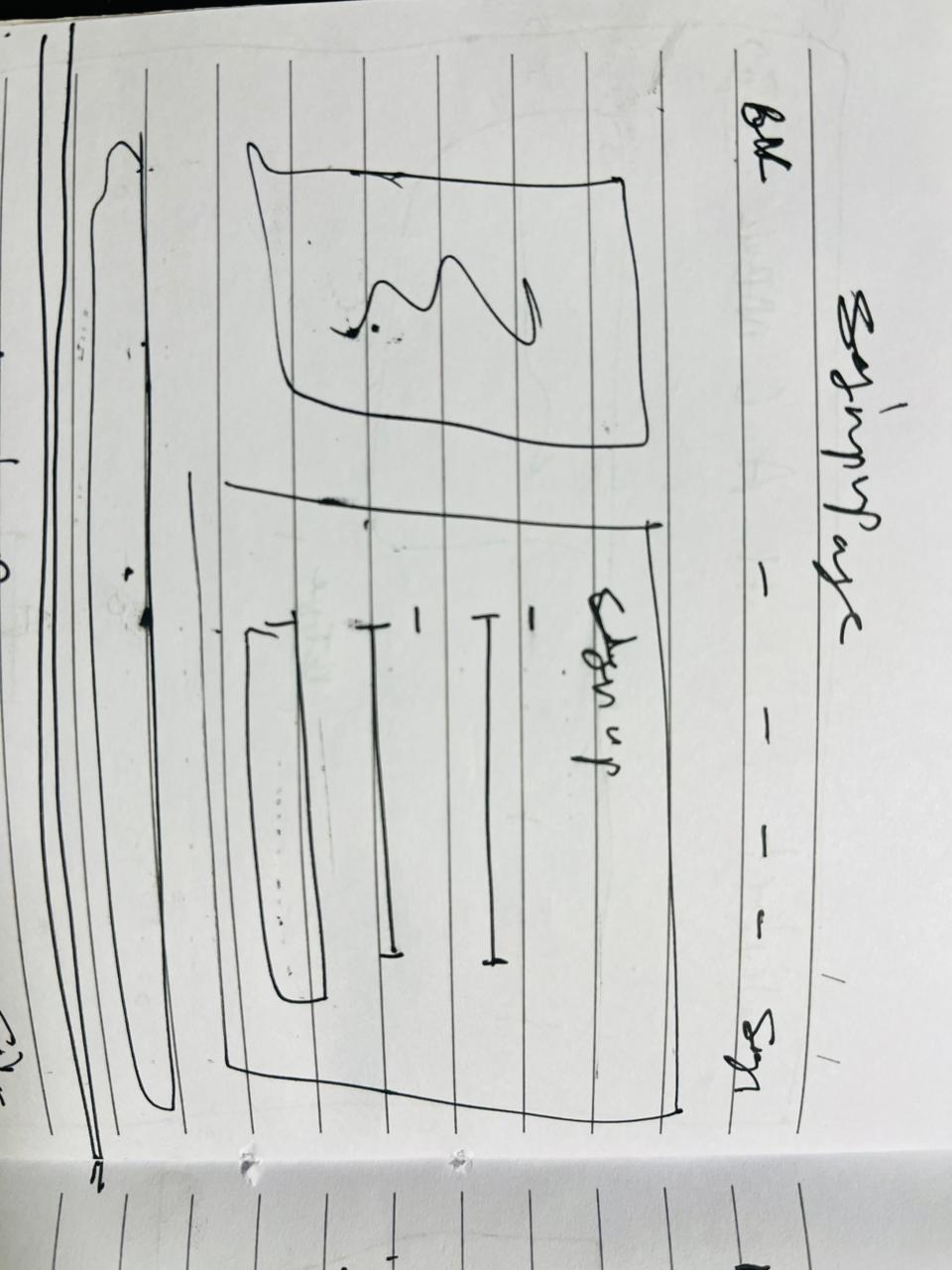
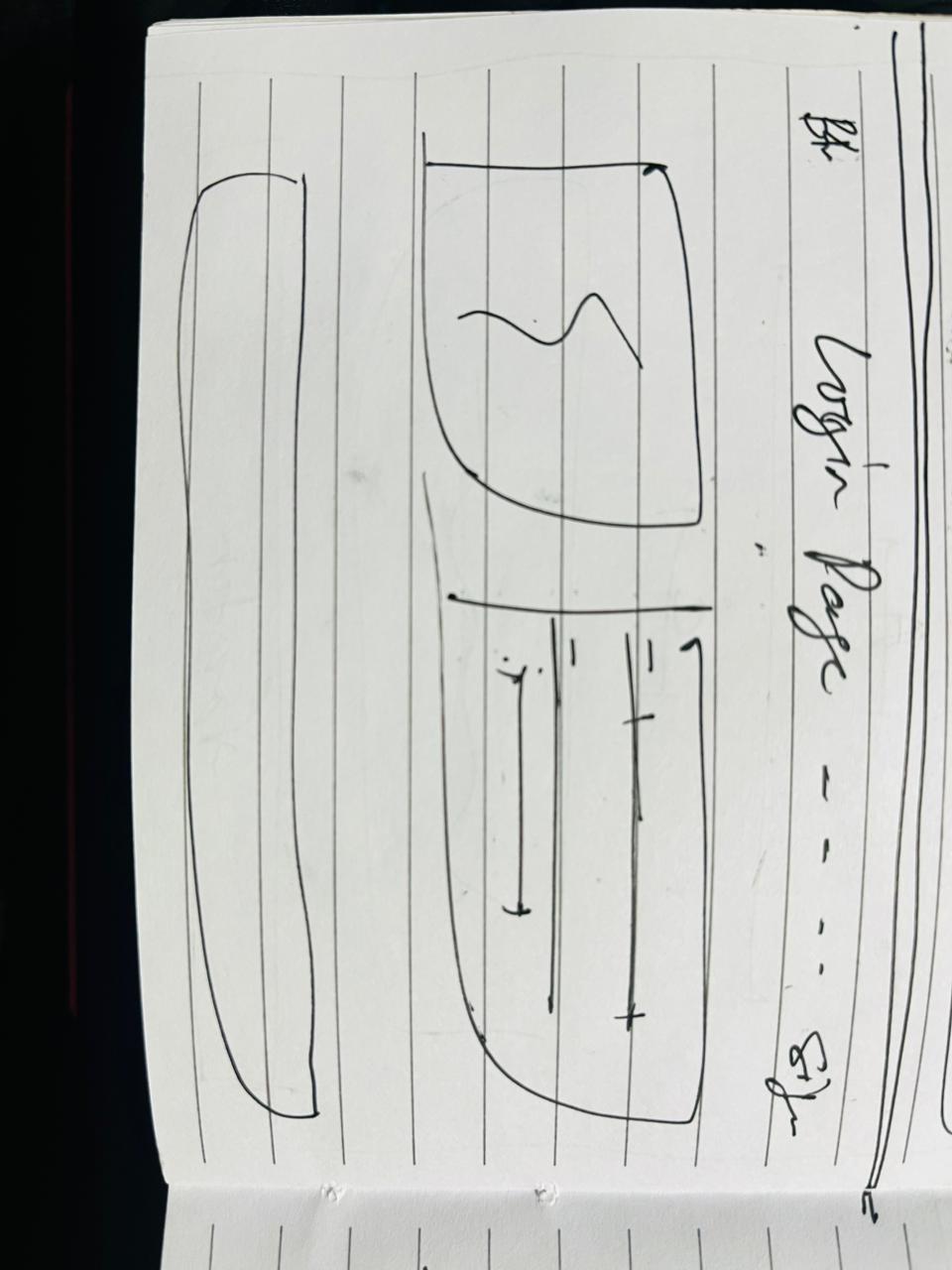
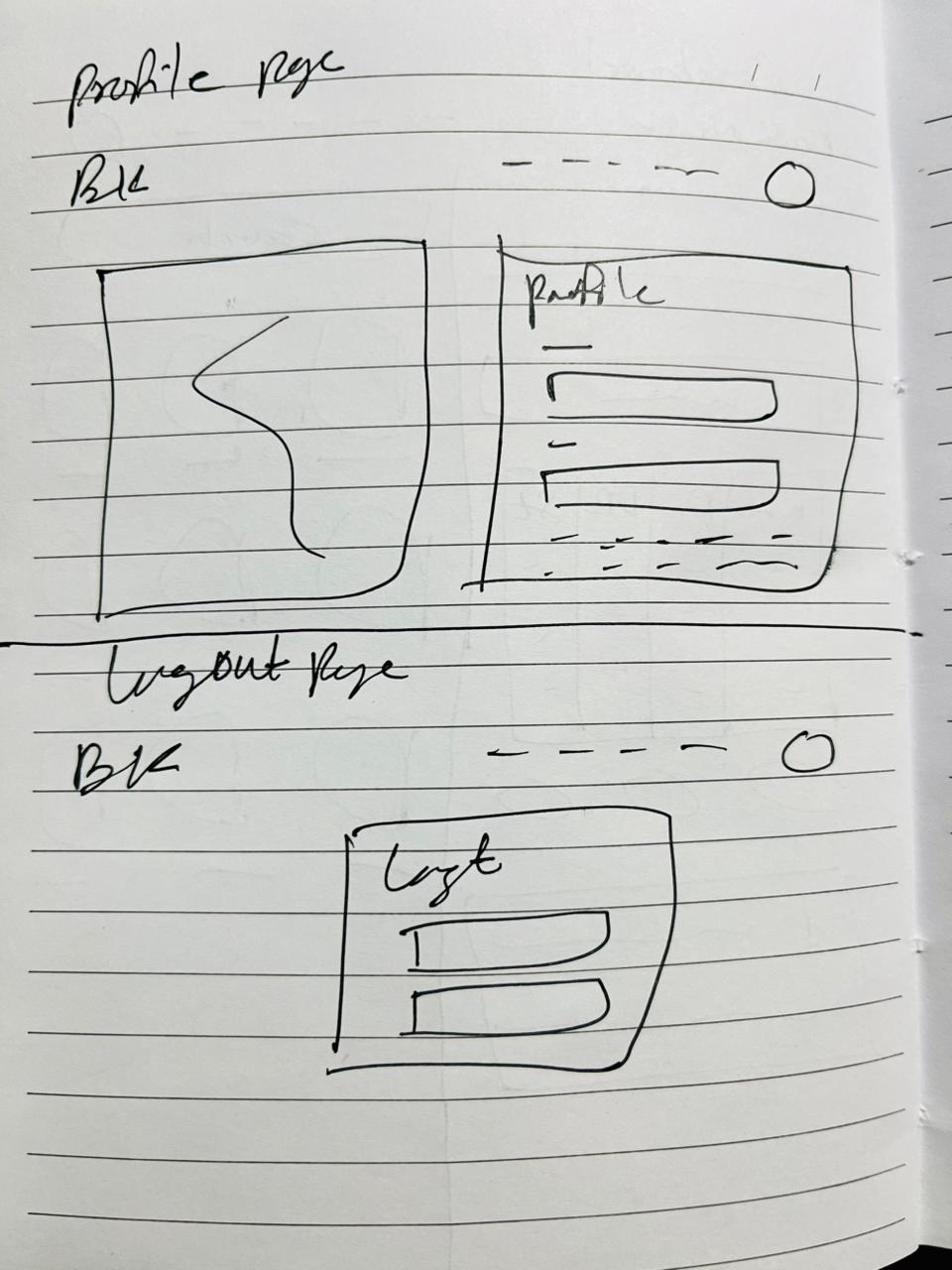
The wireframes were created to structure the layout before final UI design.
Main Page
SignUp Page
Login Page
Dashboard Page
Profile Page and Logout Page
5.Figma Screen List
Create these screens in Figma (Desktop + Mobile if needed):
1. Login / Sign Up
Email / Student ID
Password
Login button
2. Dashboard – My Books
Welcome message
Total issued books
Table or card list of books
Status (On Time / Overdue)
Renew, Return, Pay Fine buttons
3. Book Details
Book cover
Book name
Issue date
Due date
Fine amount
Renew & Return buttons
4. Notifications
Overdue alerts
6. Profile
Student name
Student Email
Student Pass
Student About
Update Info
Color Palette
Usage | Color | Hex |
|---|---|---|
Primary Brand (Header, Links) | Deep Purple |
|
Background | Soft Lavender |
|
Dashboard Background | Warm Yellow |
|
Cards & Tables | Light Cream |
|
Table Header | Bright Green |
|
Text (Primary) | Dark Black |
|
Secondary Text | Grey |
|
Status & Action Colors
Purpose | Color | Hex |
|---|
Renew Button | Blue |
|
Return Button | Green |
|
Pay Fine | Red |
|
On Time Status | Green |
|
Overdue Status | Red |
|
Warning / Alert | Yellow |
|
UI Kit
Typography
Logo / Headings: Poppins
Buttons
Type | Style |
|---|---|
Primary (Renew) | Blue background, white text, rounded |
Success (Return) | Green background, white text |
Danger (Pay Fine) | Red background, white text |
Tables
Header background → Bright Green
Row background → Light Cream
Borders → Soft grey
Rounded corners
Status Labels
Status | Color |
|---|---|
On Time | Green badge |
Overdue | Red badge |
Due Soon | Yellow badge |
Why this color system works (UX logic)
Yellow background → friendly, welcoming
Green & Red → clear status feedback
Blue buttons → trust & actions
Purple header → strong brand identity
7. Test & Refine – Perfecting the Details
The design was tested by checking how easily a student could:
Find their due date
Identify overdue books
Renew a book
Based on usability checks:
Buttons were made larger
Status colors were made more visible
Important alerts were placed at the top
These changes improved clarity and ease of use.
8. Deliver – Handing Off the Design
The final design was prepared with:
Complete UI screens
Reusable components
A consistent color and typography system
This makes it easy for developers to convert the design into a real working website.
Conclusion
The Library Due Date & Fine Tracker improves the student experience by making due dates, fines, and book management simple and transparent. It helps students avoid late fees, save time, and manage their library activities confidently through a clean, user-friendly digital interface.